














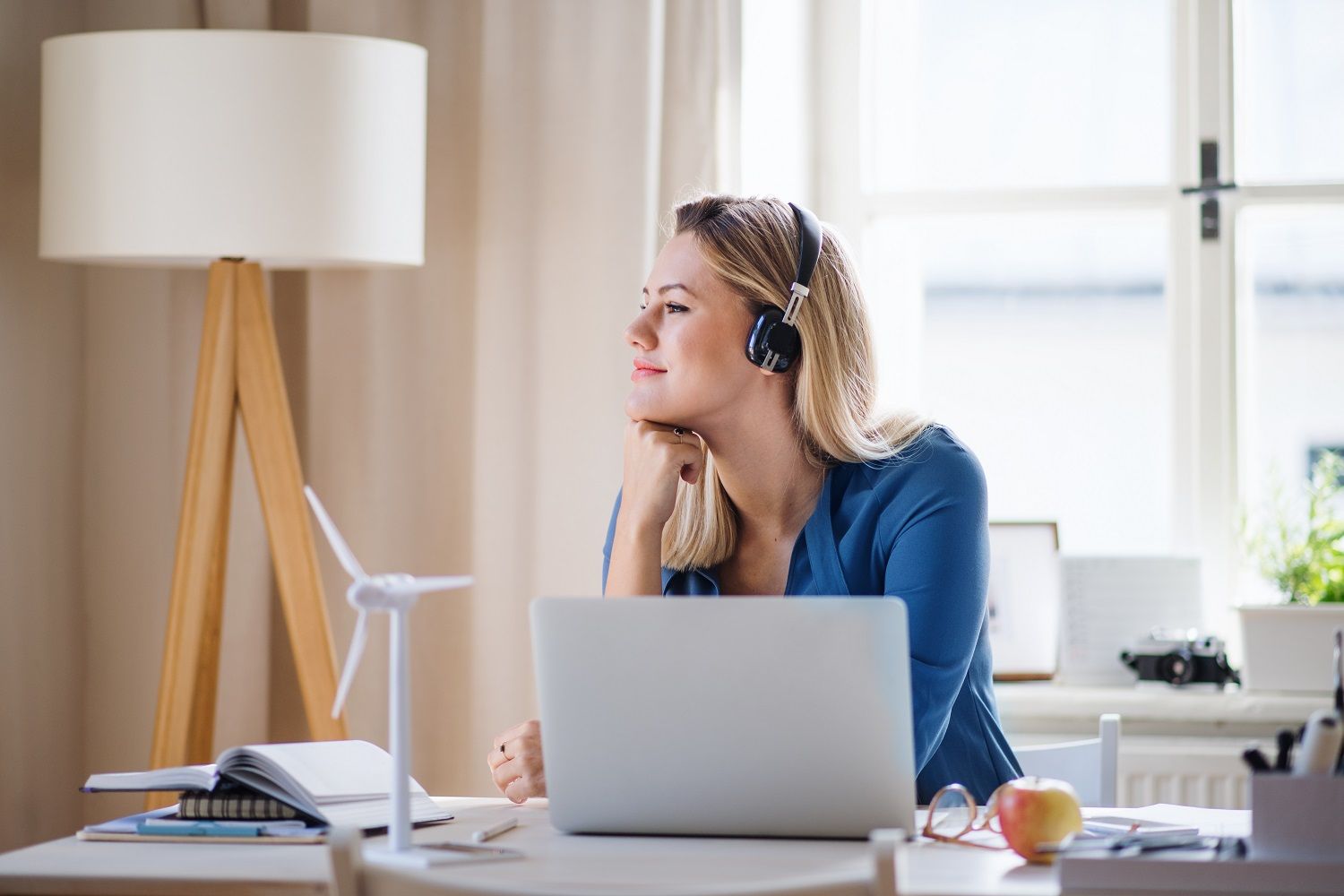
Working from home during the COVID-19 pandemic has raised many new ideas about the future of our working environment, and, of course, the main question is how to create a space that is efficient and comfortable for our staff and for work to take place. Is it time for an ergonomic home office?
According to the U.S. Bureau of Labour Statistics, 33% of the American population suffers from physical pain from occupational hazards, such as back and shoulder pain, and other Musculoskeletal disorders (MSDs).
According to the UNC Institutional Integrity and Risk Management Environment, Health and Safety, it is 74%, as they consider additional ergonomics areas. Visit the site to learn about the ergonomic process outlined by the Occupational Safety and Health Administration (OSHA) and everything you need to know.
Ergonomics is the consideration of all human factors, including physics, physiology, economics, biomechanics, and aesthetics, to build a theory that guides our functioning as working individuals. To put it simply, it is just a posture that will help you maintain your health while working 8-16-hour shifts on your laptop.
There is no special area of study for ergonomists; you can think of it as the occupation of being with a design thinking mindset, like an economist who thinks about the welfare of the workers’ health in the long term.
It is a lot about costs and benefits. This may need some attention and investment from your side, as you are focusing on your own ergonomic home office during the second wave of the COVID-19 pandemic.
How To Set Up An Ergonomic Home Office?
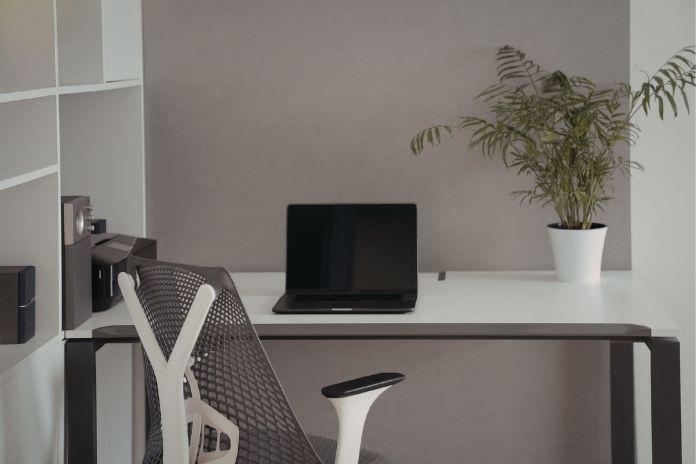
The five famous aspects of ergonomics are safety, comfort, ease of use, productivity/performance, and aesthetics. Wait before you get to the point when you are going to have that tiny telephone refrigerator in your home office. This can be addictive.
Here, it’s more about how ergonomics can support the body when it is stressed by an awkward posture, extreme temperatures, or repeated movements. Your musculoskeletal system is affected, and you can succumb to lifelong problems for which you have to take medicines and wear awkward sponge collars, spondylitis vests, and whatnot in the office.
What Is An Ergonomic Home Office Exactly & How Is It Important?
First, understand this: even if you are the fittest person, exercising regularly and working on your posture, but slouching, bending forward or backward, or sliding on your chair while working are normal. At least every 15 minutes, you will do so. Otherwise, you will stress out your body and mind.
In the long term, this can harm your body. One of the main reasons for setting up your office ergonomically is to avoid unwanted cramps, muscle pulls, muscle stiffness, and shoulder and back pain.
You’d understand this better if you were leading a team of starters and interns. Because your influence will be much more crucial for the team. Your body language cannot be impactless because of the ongoing pandemic.
In this article, we’ll cover work-from-home ergonomics, ergonomic items for the home office, and the most viable ways, tips, and strategies to overcome ergonomic issues in the home office.
Step-By-Step Guide To Set Up An Ergonomic Home Office
Step 1: Things to buy
Heavy-duty garbage bags and notepads- to make THE LIST. As soon as you start setting up an office, you need to clear out some things you don’t need. More often than not, the first step is cleaning out a large bag of things that are either expired or that you’ve “decided” you don’t need.
The decision you take in the first step is something you invest no more than 15 minutes in (otherwise, it just means you are not ready yet). Once the decision is made, you can proceed to Step 2.
The notepad is for making a list of essential items, such as a wall clock, a telephone, books, files, and the to-do list itself!
Also, there are apps you can use now to become a home office ergonomics expert, like
1. Best Note-Taking Apps
– Microsoft 365
– Evernote
– Ulysses
– Simplenote
– Bear
– Dropbox Paper
– Google Keep
– Atom
2. Best Day Planner Apps
– Trello
– Evernote
– TimeTune
– Sectograph
– Day by Day Organizer
– Doit.im
– INRIX
– RescueTime
3. Best Project Management Apps
– Basecamp
– Asana
– Casual
– Trello
– OmniPlan
– Podio
– Microsoft Project
4. Best Journaling Apps
– Day One for Mac and iOS users
– Diarium for Windows users
– Penzu for secure journaling
– Momento for social media power users
– Grid Diary for templated journaling
– Five Minute Journal for beginners
– Dabble Me for journaling over email
– Daylio for non-writers
STEP 2: Choosing An Area

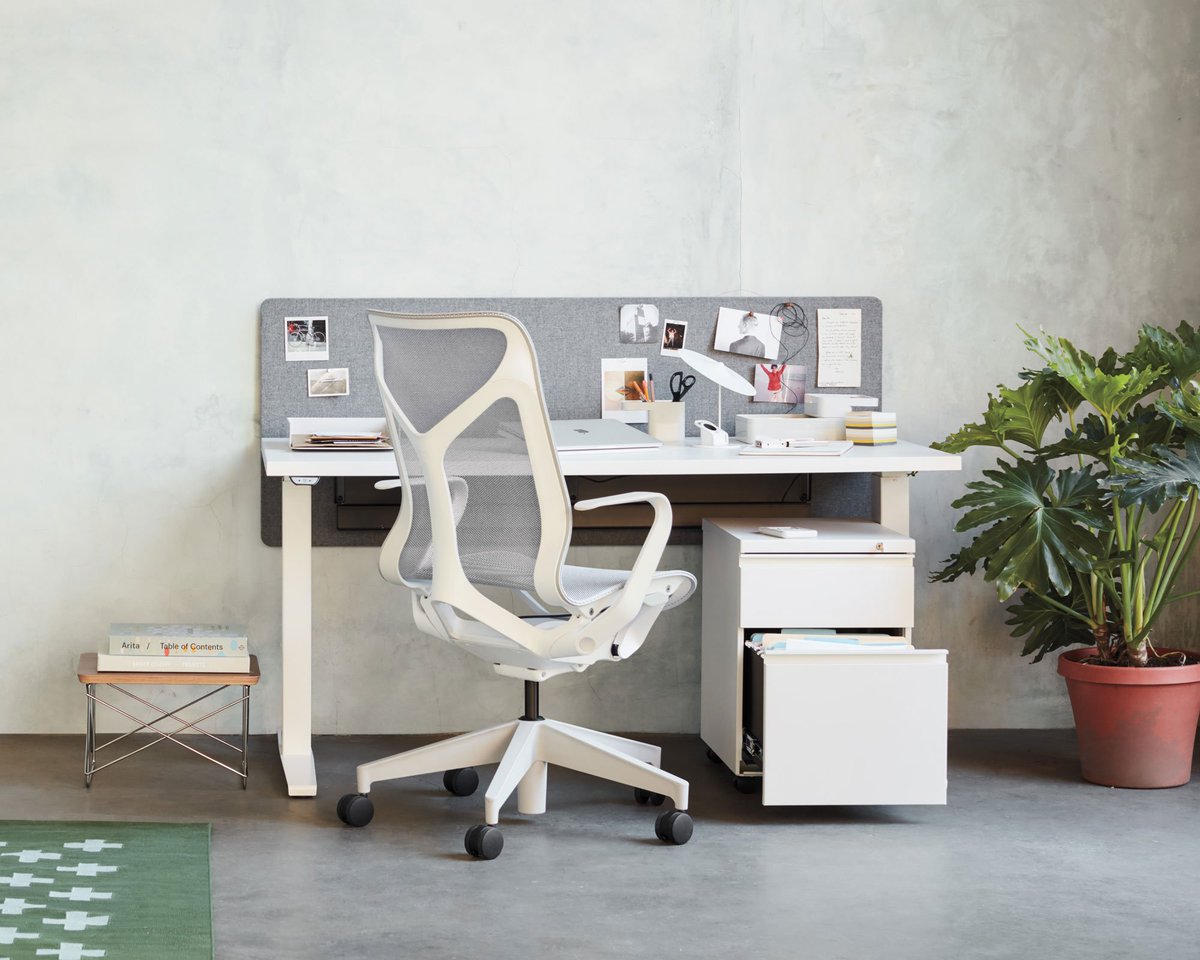
In ergonomic offices, this will mainly be your desk and chair. It is true that the table, chair, mouse, and laptop are the main components of the ergonomic home office we will discuss here.
For your ergonomic home office, a chair and desk are essential components to consider in your new office design. Remember, there is no “one-size-fits-all” approach to organizing your ergonomic home office.
Like, sometimes we use apps to challenge and train our brains and bodies, or a stopwatch to measure our speed; we use an ergonomic home office to improve productivity/performance without pain. In the third part, Areas one should concentrate on for the Ergonomic Home Office, we will discuss that in detail.
It is very important to know how your furniture placement affects you. Sitting in one place and working continuously can affect your bones, joints, ligaments, tendons, and muscles, and can lead to carpal tunnel syndrome (the worst-case scenario). Ergonomic office chairs and tables are available on the market. But honestly, you have to know what alignment is good for your back and eyes.
– Don’t ignore aesthetics. Take a look around your study at home or where you work
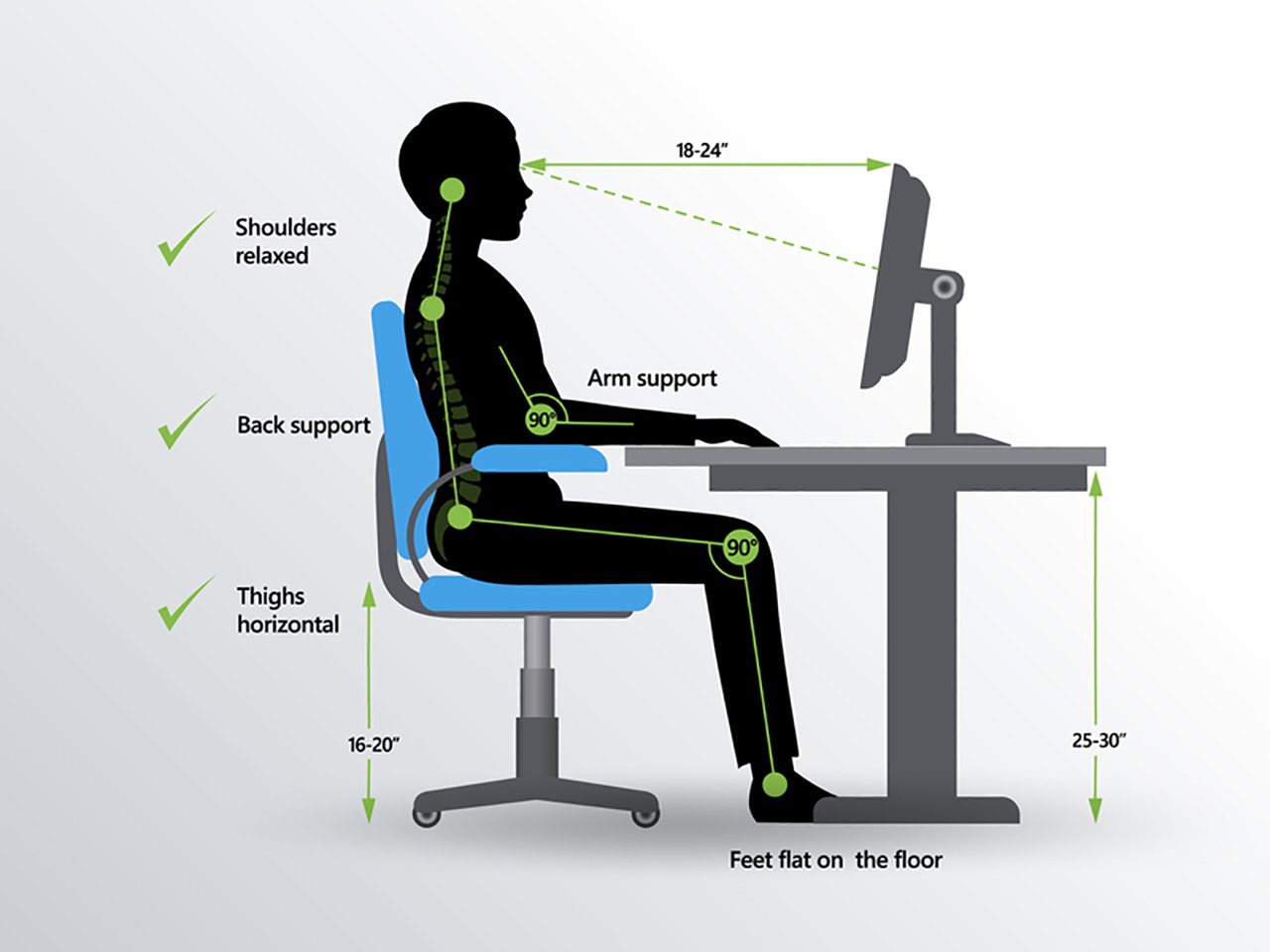
– The chair and table should be placed such that when you are working, your elbows should be at 90 degrees.
– Your laptop should be at eye level. You can raise the monitor to your eye level for this
– Your legs should have enough space
– Your legs should have a leg rest under the table
In cities, especially, a person’s residence for official business purposes can refer to the administrative headquarters of a large enterprise, such as a corporation’s home office. There is no rule that an office must be in a skyscraper with an elevator and 200 rooms.
STEP-3 Keep Room For Improvement
Don’t oversimplify the office space ergonomics with a once-and-for-all mindset. There will be many times when you may need to make tiny changes depending on how external influences affect your life. The third step is about observation, recognising that you have to deal with time and people, the most difficult organisational task for a home office. As these will affect your health the most. It takes work and time to be ordered.
Keep a time limit for everything in the day. Or if you have goals, then a deadline for that, too. Because without that, you won’t be able to assess the benefits.
According to ergonomics expert Rosalie Maggalio, who writes in her book, The Art of Organizing Anything: Simple Principles for Organizing Your Home, Your Office, and Your Life (2009, McGraw-Hill): “Keep in mind that saving time is not an end in itself. Try not to become obsessed with minutes and hours.”
How to Improve the Room for an Ergonomic Home Office?
First, you keep your budget ready. How much can you spend on this new setting? Look around, do you even need to buy anything new? Most probably, you don’t unless you were already using the wrong size table and chair throughout.
Technically, organisations such as Accenture, BSkyB, Breast Cancer Care, the Home Office, Greenpeace International, Jeans for Genes, Macmillan, UNICEF, and Vodafone require ergonomists to design their whole office, as their work hours are hectic.
But here, we will help you direct your office so you can be an ergonomist yourself. Or at least build an affordable ergonomic home office. This is a long-term plan. You can choose to work with a consultant who has studied responsibility and business administration, so that they can help you out with this properly.
What areas should one concentrate on for the Ergonomic Home Office?
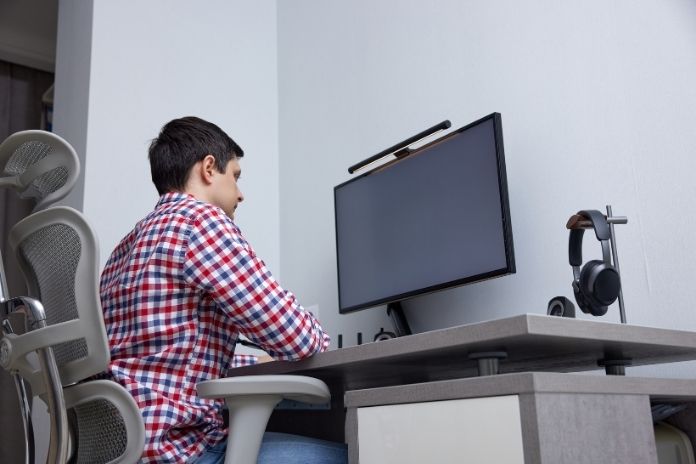
Practically, there are two factors that you need to consider to set up an ergonomic home office: 1) Human and 2) Non-Human.
Here, we will discuss human factors to help you through your work-from-home journey. This includes four major areas that you need to focus on:
1. Head and Neck
The idea is to keep your neck, shoulders, and back free from injury, and to keep your head vertical to your neck. We already lead sedentary lifestyles, and if we don’t maintain proper posture during our workday shifts, we risk damaging our spines.
To make it simple, good posture means your shoulders are back, your chest is open, and your ears are directly above your shoulders. This is called the neutral position. In this, the stress on the neck is minimized because the head’s weight is naturally balanced on the cervical spine.
You have to be conscious while placing your computer monitor or laptop on the desk. The lighting should be correct, and your screen should be at eye level. If there are two screens, then they should be kept at right angles to each other.
This is because the monitor should be directly in front of you, as it prevents you from twisting your head and neck to view the screen(s). Also, place the top line of the screen at or slightly below eye level (0-30 degrees), and be very cautious.
Your question should be how to make a U-shaped office in a square-shaped room (assuming most office rooms are square). This is where the human factor comes in, how you want your comfortable office to be.
2. Hand and Wrist Position
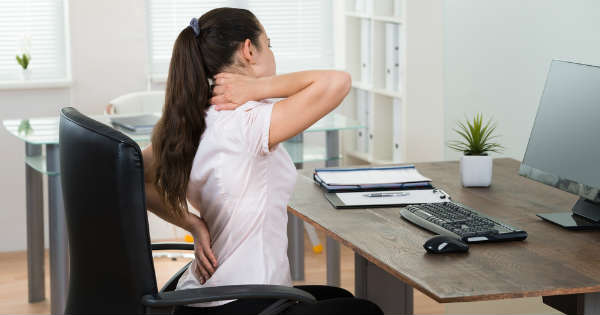
According to biomechanics research, your hands and wrists should be in a neutral posture, similar to the one your head assumes. A neutral position is when you have a straight, unbroken wrist, the hand rotated to a relaxed position (30-60 degrees), fingers are curled and at rest, and the thumb is straight and relaxed.
The idea is to keep tension on your hands to a minimum, or, after a prolonged period, you can develop tendonitis.
Your muscles should only be slightly stretched as you use both hands to make what’s happening on the computer screen. Finger joints can also be affected if they are not relaxed and exercised every 15-30 minutes, according to doctors and professionals.
Ergonomists assess designs for how to use products, like a mouse, relative to the neutral position to meet a standard that considers joint motion, physical restrictions, range of movement, and more.
There are a few exercises you should try at home while working to improve blood circulation in your wrist and hands while you are stuck at your desk.
● Slowly and gently pull down on the fingers with fingers of one hand to stretch your wrist in the direction opposite to that of mousing. Hold for a count of 25. Now do the same for your other wrist.
● Stretch out both arms at 180 degrees. Using the strength of one arm, slowly and gently pull the other shoulder toward the midpoint of your torso. Now, hold and count till 25. Do the same for the other arm. This is a very relaxing exercise for your shoulders, arms, and mid-back.
● Stretch your arms out in front of you; keep the back of your wrists together, and slowly and gently stretch your hands away from each other and hold them at 180 degrees for your shoulders. Count till 25.
● To relax your hands, pull the thumb of one hand with your other hand away from the fingers, and count till 25, and do the same for the other hand.
3. Seated Posture and Back Support
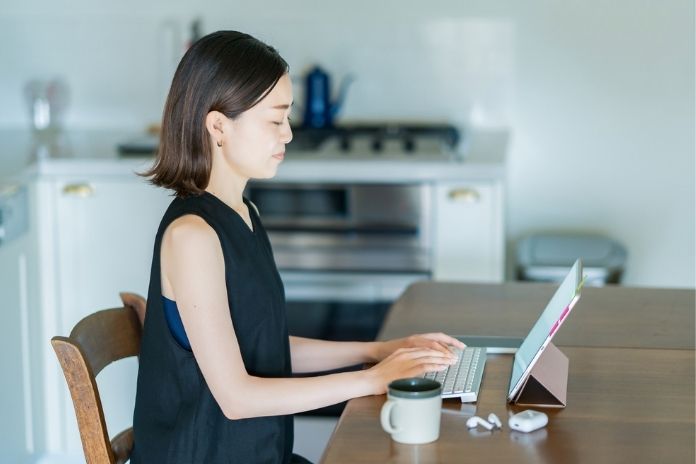
This, too, largely depends on the correspondence with your chair. There are also some exercises that you can do to maintain proper sitting posture during your work. The curve where the upper and lower bodies meet is called the lumbar curve. This is outwardly curved.
An incorrect seating posture causes the hips to rotate, and the sitting-to-standing transition also changes over time, affecting the curve, which can be detrimental to spinal health.
Sitting in an incorrect posture causes the abdominal muscles to contract continuously, affecting the anterior and posterior discs.
The intervertebral disc also has the chance of getting dislocated in case you don’t have even distribution of contraction (which is not possible in a chair). To avoid spasm, use a back support, such as a cushion or pillow, to keep your back straight. Otherwise, you are at risk of frequent muscle spasm and cramps.
The best is to use an office chair, which can be adjusted to the preferred height, etc. Keep it in a slightly reclined position. The reason being gravity will pull the upper body into the backrest, reducing some of the compressive force in the intervertebral discs and the contraction required by the muscles of the lower back.
It is also very important to move out of the chair every now and then and take a walk or something. Use a timer for this in case you tend to work too hard. According to a 2004 study, after five or more hours of seated posture, one should take at least a five (5) minute break from sitting.
Read:13 Benefits Of Good Posture – Sit Up Straight!
4. Behavior
This is tricky if you are working alone from home. But you can ask your roommates or family members to keep an eye on you for behavioural ergonomics at work. It is about assessing all of the above in your behaviour at work.
It is important, as sometimes, because of overworking, there are legal disputes based on the physical and mental health of the person who may acquire arthritis or acute muscular dystrophy.
According to experts, there are three main aspects of this social behaviour in the office: Safety Culture Assessment, RADAR Data Management, and People-Based Safety Process.
A Safety Culture Assessment in the home office is intended to understand officers’ actions and capabilities in the field and in the work environment. This will also help measure their productivity and performance.
With these results, data can be used to design methods for better work environments, identify the most problematic conditions, and implement the right changes to support workers’ well-being. On the other hand, the same can be used to cut workers’ salaries and compensation.
Safety Performance Solutions and OSHA in the United States agree on which protocols the authorities can undertake. The idea is to observe behaviour and determine whether the office ergonomics is not in tandem with a certain worker. It can also be studied why the behaviour occurs in individuals. In ergonomics, this will improve safety communication and training modules.
Tips To Overcome Ergonomic Home Office

Once you have the human factor in place, you will notice that there are conditional non-human factors that will inevitably have to be altered to set up a quality ergonomic home office. Here are some tips to overcome that.
1. SHAPE
Also, where you will place your desk, chair, and everything you need within easy reach while working. Like the address book, mobile phone, charger, water bottle, pen stand, and note pads.
Best to keep glass bottles or other objects, such as mobile phones, away from your dominant hand. If you have less space, then it’s best to place the square/rectangular table against the corner of the wall.
If you haven’t got a window and will be looking at a wall, consider placing your table in a space-saving corner. Or have a L-shaped desk using a corner. Making a directory on your computer that contains all your names and addresses (using dedicated software or simply keeping linear lists) makes things easy.
If you need an L-shaped table, you can have a carpenter measure and build it to the required height and breadth. Remember, the chairs should be office chairs, preferably Trea chairs, inspired by lobster designer chairs, to help avoid back and spine-related injuries.
As mentioned above, the chair should be such that your elbows are at right angles while you are doing any kind of typing work.
2. LITTLE THINGS
Use your walls to put the calendar and wall clock in plain sight so that you are aware of the time spent on work and the tiny exercises mentioned above. Dedicate each desk drawer to a specific purpose; for example, file cabinets should be labeled with a label maker.
Buy online some multifunction equipment and multipurpose furniture, for example, a pen stand that can also hold letter pads and has a separate space for books.
Keep a medium to large desk, with sufficient drawers so that you can categorise each drawer for particular things to keep, for example, in one you may need to keep your daily medications, combs, face wash, etc., and the others could be for your daily planner, diaries, chargers, or anything. But keep just one kind of thing in one drawer, it will be easier to remember. And you will feel empowered once you are more sorted.
3. STORAGE UNITS
This may sound a little like you are getting into the social milieu of the office- the inter and intra dimensional storage spaces- your physical office and your computer- that will help you save space and create more space, save expenditure on space, and help you store everything safely without losing it.
Every ergonomic home office has a storage space. It is very important to keep some things you might just need in this place; it can be a change of clothes for going to the gym or just old files you need for reading on the current work.
Make shelves for each kind of thing in the storage unit. This is if your office has a space like this that can be used. Don’t go overboard unless you are ordering a new office for your staff.
It is always useful to have everything sorted into the different folders on the Mac, Windows, and Linux operating systems you use, too. You can save a lot of space if you use something like Zotero, a software that handles bibliographic references.
Likewise, your music, films, books, and files can be stored in storage units you build over time in your own ergonomic home office.
4. ELECTRONICS
This includes your internet and Wi-Fi settings, Ethernet, and television, if you need one in your office. In the information age, electronics have changed how we measure human safety. Now, ergonomics includes audiology and radiology too. Certain devices must be switched off while you are working for better cognitive and organisational behaviour and productivity.
For example, switch off your mobile phone while in a meeting, and turn off email alerts, as you may need to order them in different folders when you read them. You need a secure password for your Wi-Fi so others cannot access it. This requires knowledge of privacy and its importance.
To avoid occupational hazards, it should be clear that all electronic devices are flammable and that short circuits can occur. Hence, waste management strategies are sometimes useful. Additionally, you can refer to ergonomic manuals and tutorials to address any queries related to electronics in an ergonomic home office.
Conclusion
An ergonomic home office is extremely important in an era where work-from-home culture is becoming the norm, as many businesses still operate remotely. We need to be aware of safety regulations to protect our workers’ health.
The tips to overcome ergonomic home office issues are not slouching, hand and back exercises, and desk and chair height. Maintain the laptop at eye level to avoid slouching. Keep your chair in a reclining position. Also, set up an office in which you and your workers are comfortable. An ergonomic home office is your right during the COVID-19 pandemic.